
Digital Clutter Is Still Clutter: Organizing Files, Photos, and Inboxes at Home
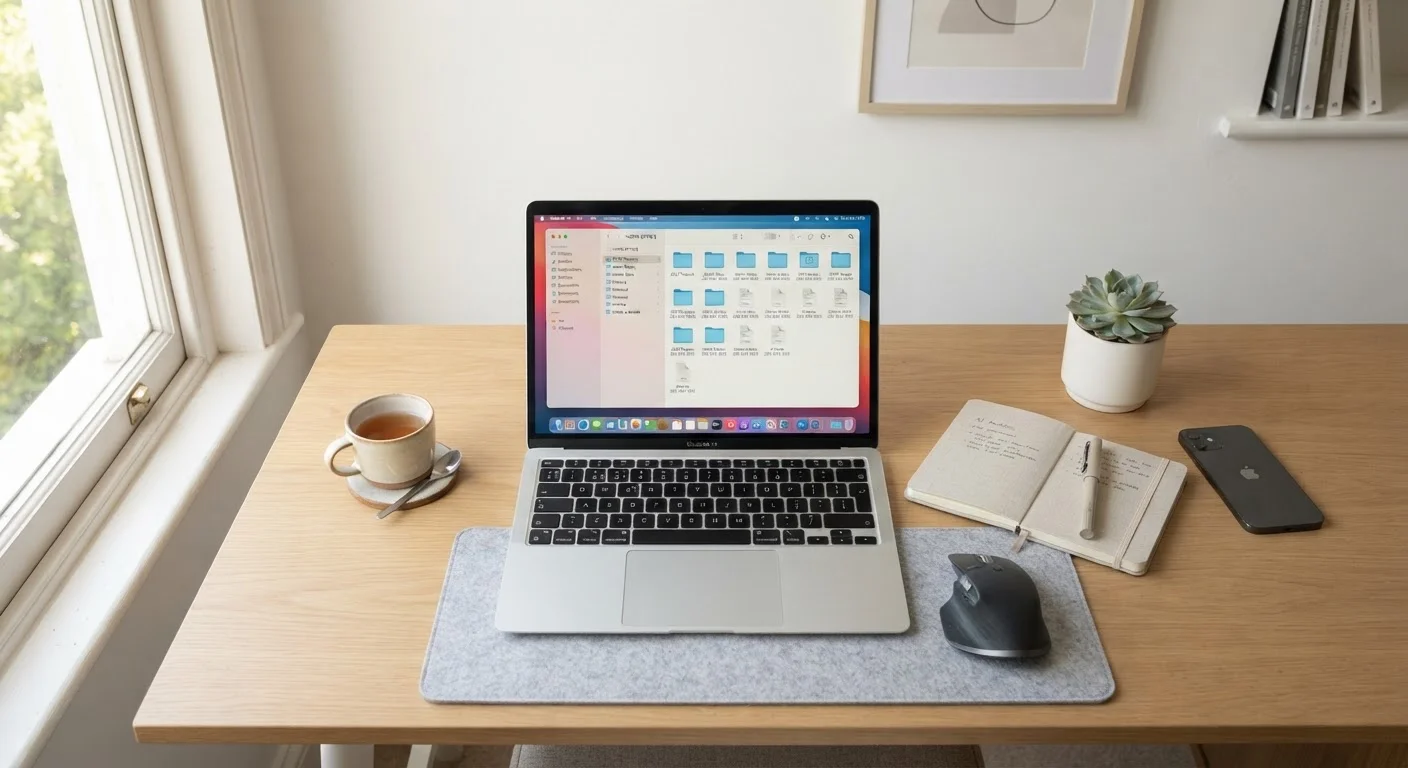
Photo credit: FaqsInsights.com | Stay Informed, Stay Ahead
In this article
Physical and digital disorder share the same cognitive cost. Here's a practical framework for bringing order to your digital home environment.
Key Takeaways
- Digital clutter carries the same cognitive cost as physical clutter in your home.
- A consistent folder and naming structure is the foundation of lasting digital organization.
- Inbox zero is a strategy, not a standard - even a reduced inbox improves function.
- Photos are the fastest-growing source of digital disorder for most households.
- Maintenance habits matter more than a single clean-up session.
- Involving the whole household increases the chance that digital systems stick.
Why Digital Disorder Deserves the Same Attention as Physical Mess
When people think about decluttering their home, they picture overflowing closets or junk drawers. Rarely does anyone picture the 14,000 unread emails or the photo library that hasn't been touched since 2019. Yet the cognitive toll is comparable. Every time you open a cluttered desktop or scroll through a bloated inbox looking for one file, your brain is doing extra work - work that accumulates across a day.
The room-by-room declutter audit approach translates directly to digital spaces: treat your devices as rooms, your folders as drawers, and your inbox as a countertop. When the countertop is clear, thinking is clearer too.
~35%
Time workers spend searching for files
Organizational research consistently finds that a significant portion of workplace time is spent locating documents, a pattern that extends to home digital environments.
1,000+
Photos the average smartphone user takes per year
Estimates from mobile usage studies suggest most users accumulate thousands of photos annually, the vast majority of which are never sorted or reviewed.
121
Average emails received per day per person
According to industry estimates, the typical professional receives over 100 emails daily, making an inbox without a management system nearly impossible to navigate.
Building a Folder Structure That Actually Works
The most common mistake in digital organization is creating folders spontaneously, without a consistent logic. Over time, this produces a maze of overlapping categories that's harder to navigate than no structure at all.
A durable system uses broad, stable top-level categories - such as Finance, Home, Health, Work, and Personal - and nests more specific folders underneath. File naming matters just as much: a name like 2024-03_TaxReturn_Federal.pdf is far easier to locate than scan001.pdf. Date-first naming (YYYY-MM) keeps files sorted chronologically by default in any operating system.
Much like sorting before storing in a physical declutter, the right sequence matters: decide your category structure first, then move files into it - not the other way around.
Name Files for Your Future Self
When saving a new document, take five extra seconds to give it a descriptive, date-first name rather than accepting the default. A name like 2024-09_HomeInsurance_Policy.pdf is instantly findable years later. Renaming files in bulk after the fact is tedious - the habit pays off most when it starts from the first save.
Taming the Photo Library
Photos are where digital clutter grows fastest. Smartphones make it effortless to take twenty near-identical shots of the same moment, and most of those never get reviewed. A practical photo audit has three steps:
- Delete first. Remove blurry images, duplicates, and screenshots you no longer need before organizing anything. This one step can dramatically shrink a library.
- Sort by year and event. A simple 2023 > Summer_Vacation hierarchy is maintainable for most families without specialist software.
- Choose one home. Spreading photos across multiple cloud services, a desktop folder, and an old phone guarantees you'll lose track of them. Pick a single primary location and consolidate.
For households where multiple people contribute to shared memories, a consistent shared album or folder structure helps everyone find what they need - an idea that connects to the broader challenge of getting the whole household on board with staying organized.
Inbox Management: A Functional Goal, Not a Perfect One
"Inbox zero" gets discussed as an aspirational standard, but the practical goal is a functional inbox - one where finding important messages takes seconds, not searches. Start with a bulk action: archive or delete everything older than a meaningful cutoff (many people choose six months or one year) that doesn't require a response. Then build a simple folder structure for what remains: Action Needed, Waiting On, and Reference covers most situations.
The maintenance habit matters more than the initial sort. Unsubscribing from newsletters you skim past takes thirty seconds per sender and compounds quickly. Scheduling two or three dedicated email windows per day - rather than leaving an inbox tab open constantly - reduces both accumulation and the low-grade anxiety of a perpetually updating inbox.
Inbox Zero Is a Direction, Not a Destination
The concept of 'inbox zero,' popularized by productivity writer Merlin Mann, was originally about processing decisions - not about maintaining a literally empty inbox at all times. The goal is that every message in your inbox represents something you've consciously chosen to act on. A mostly-empty inbox with clear intent serves the same purpose.
For those noticing that digital disorder affects their stress or focus, research on digital boundaries and mental health offers useful context on how screen environments interact with well-being.
Maintaining Order Over Time
A single organization session is only the starting point. Digital clutter returns faster than physical clutter because files are created with almost no friction. The households that maintain clean digital environments tend to treat it the same way they treat tidying a room: small, regular habits rather than periodic emergencies.
A workable maintenance rhythm for most households looks like this: daily - clear the desktop and file any new downloads; weekly - scan the inbox and delete junk; quarterly - audit storage, remove unused apps, and review folder structure for anything that has drifted out of place.
If you're newer to home organization in general, the principles at work here mirror what's covered in a first-time organizer's introduction to home organization - the sequence of sort, simplify, and maintain applies whether you're tackling a closet or a cloud drive. And just as physical systems benefit from rules that prevent clutter from returning, the one-in, one-out principle has a digital equivalent: when you save a new file, consider whether an old version can be deleted.
Frequently Asked Questions

Author
Home & Garden Editorial Team
Home & Garden Editorial Team is the collective byline for our editorial team and contributor network. Articles published under this byline or an editorial pen name are researched, written, and reviewed according to our editorial standards for clarity, consistency, and independence before publication.
View all articles →